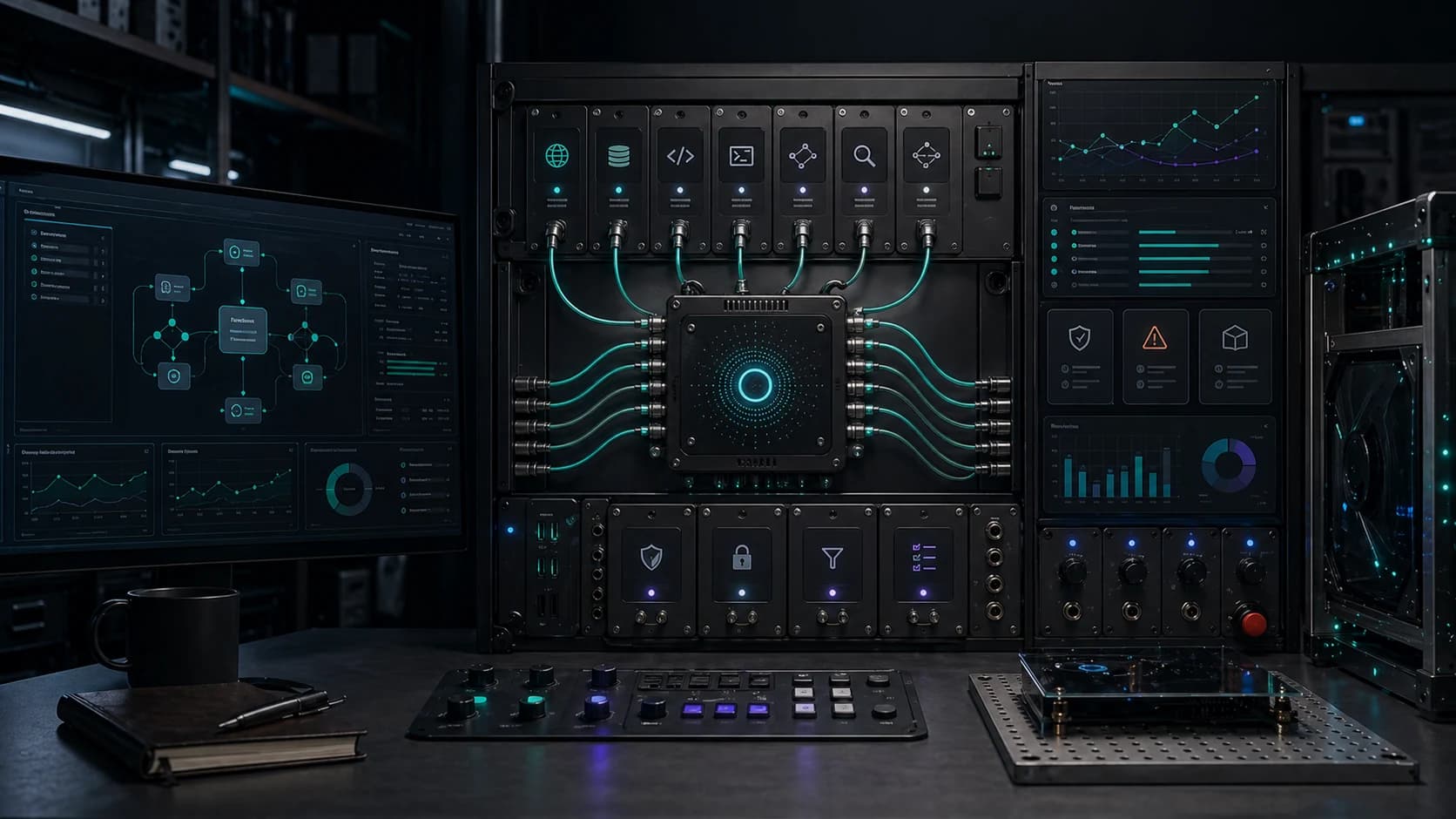
The next agent surface is the computer itself. OpenAI has been adding controlled computer environments around the Responses API and Agents SDK. Google has also introduced Gemini computer-use work tied to Project Mariner. The direction is clear: models are being wrapped to operate tools, files, browsers, and command lines.
That can help a business. It can also create expensive mistakes if the work loop is loose.
What changed
| Source | Capability | Practical meaning |
|---|---|---|
| OpenAI Responses API | shell tool plus hosted container workspace | Agents can inspect files, run commands, and produce artifacts in an isolated workspace |
| OpenAI Agents SDK | sandbox execution and file/tool harness | Developers can give agents controlled environments instead of raw machines |
| Google Project Mariner | browser agents on virtual machines | Agents can research, plan, enter data, and repeat browser workflows |
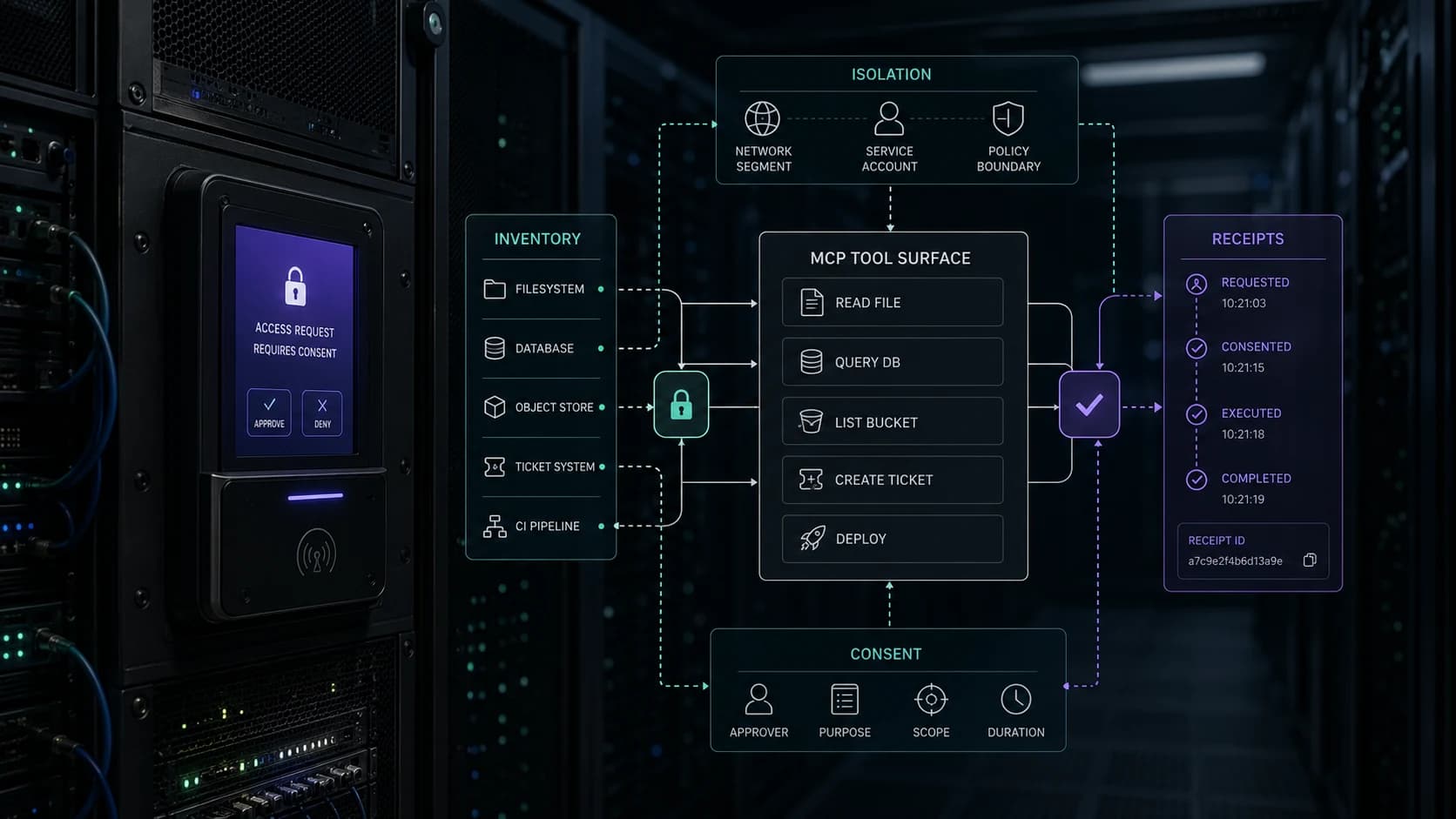
The useful shift is controlled operation: browser and shell work inside a bounded environment with logs, files, screenshots, limits, and approval points.
Good first use cases
Computer-use agents are best when the screen work is repetitive and the risk is bounded.
- collect public information from a set of pages
- compare data across vendor portals
- fill a draft form without submitting it
- reconcile browser-visible records against a spreadsheet
- prepare a report from files in a controlled workspace
- test a website workflow and return screenshots
They are a bad first step for payroll, banking, public posting, or anything that submits irreversible changes.
The minimum production wrapper
Visible state checklist
A person reviewing the run should not have to guess what happened on the screen.
- Show the current URL, app, file, or workspace.
- Show the next proposed action before sensitive steps.
- Capture screenshots at meaningful checkpoints.
- Separate draft actions from submitted actions.
- Keep blocked, refused, timed out, and completed states distinct.
- Link the final artifact to the run receipt.
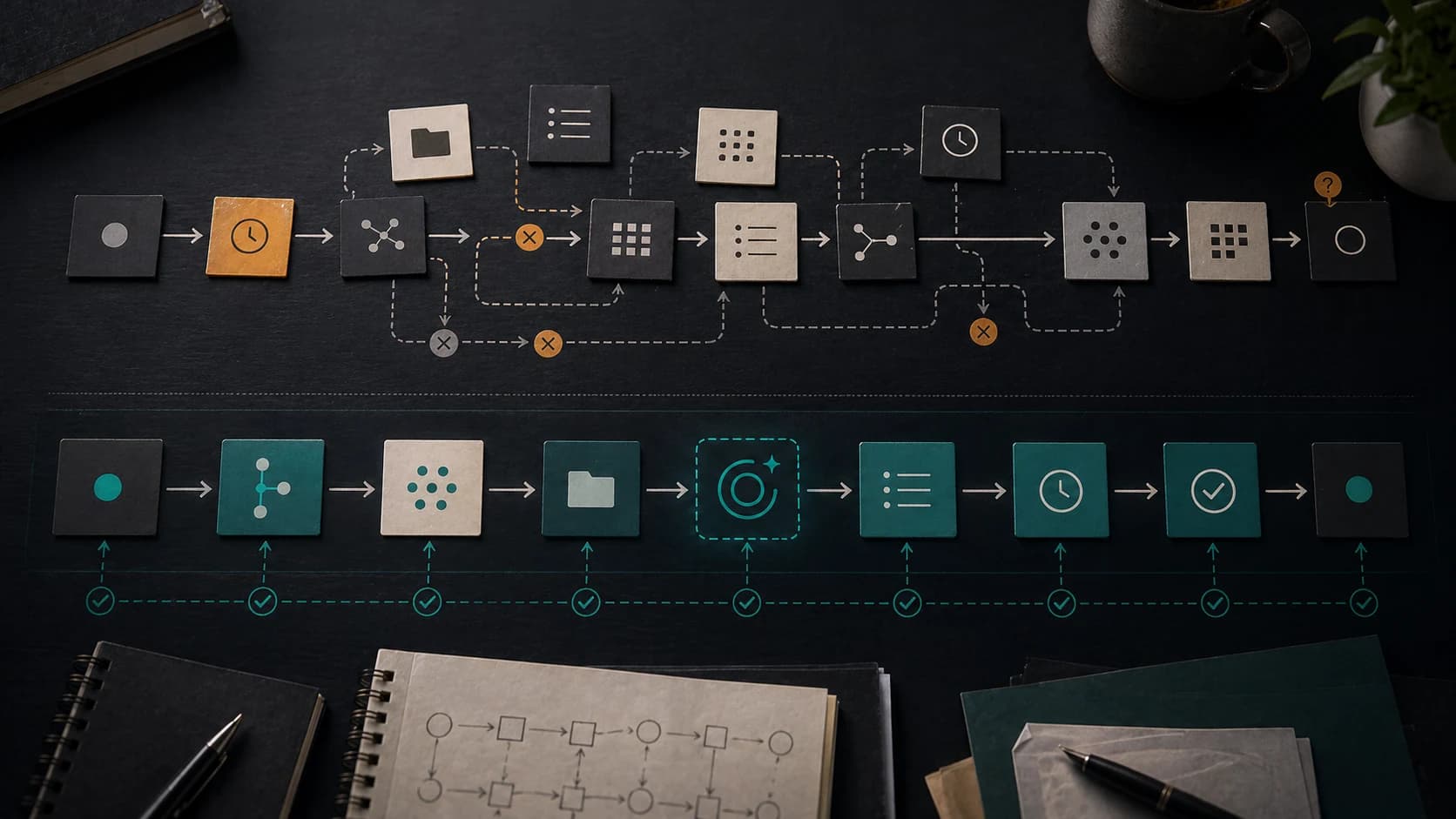
This is where computer use becomes operational instead of theatrical. The buyer can inspect the path and the output.
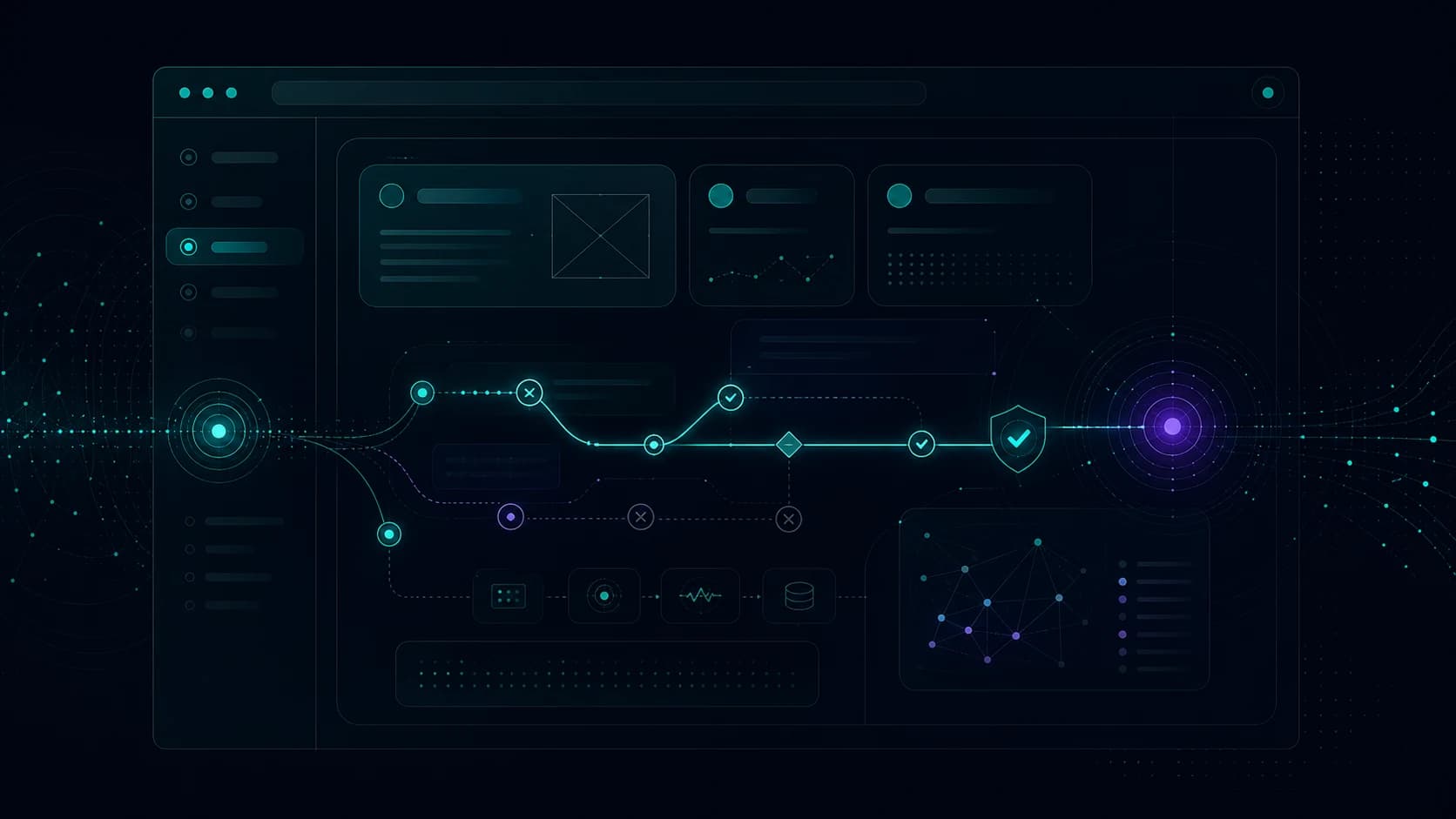
The wrapper is the product experience. It tells the reviewer what the agent saw, what it prepared, and where the system stopped.
What this means for small businesses
The first wave of value will be small browser and file tasks that a person hates doing and can easily review.
That is enough. A weekly two-hour admin loop becomes a 10-minute review. A lead researcher turns scattered pages into a source-linked brief. A website QA pass returns screenshots and exact repro steps.
The agent should save attention while keeping the work visible.
Related agent notes
- MCP needs an operating model
- Why we built our own agent harness
- Receipts prove each run
- AI services
- Agent assist adoption proof